
In the digital world, first impressions happen in a fraction of a second. Before a potential client reads a single word of your sales pitch or examines your pricing, they have already formed an opinion about your business based entirely on how your website looks.
When a site looks cluttered, dated, or hastily pieced together, visitors subconsciously associate those traits with the quality of your services or products.
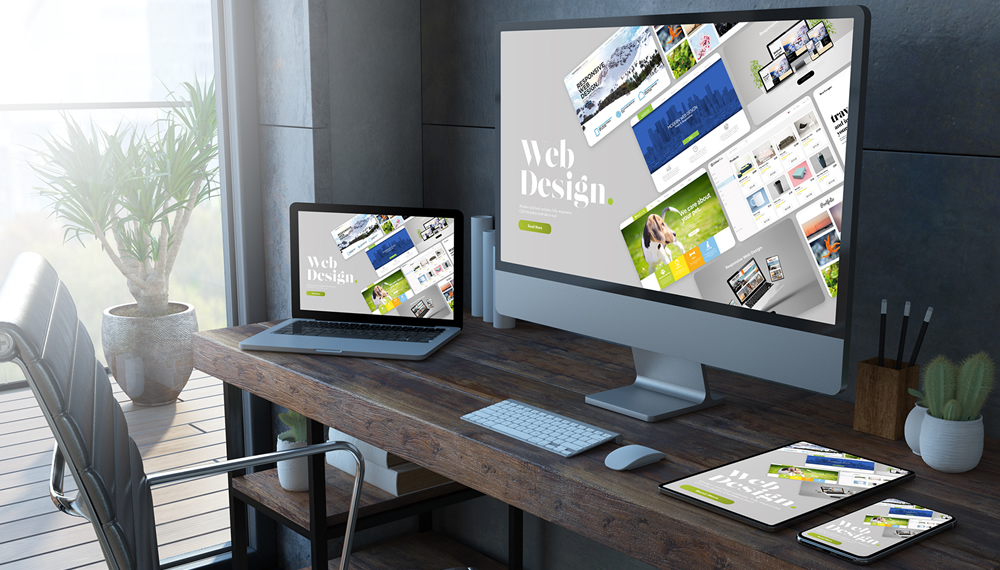
Conversely, an elegant, modern website creates instant authority and trust—signaling that you operate a high-end, successful business.
The good news? You do not need a five-figure web design budget to achieve a bespoke, luxury aesthetic. By mastering a few fundamental design techniques, you can make a modest website look like it was crafted by a high-end agency.
Here are five budget-friendly ways to elevate your small business website today.
1. Embrace Generous White Space and Minimalist Layouts
The most common sign of a budget website is clutter. Inexperienced creators often feel compelled to fill every pixel of empty space with banners, badges, text blocks, and pop-ups. Luxury brands, by contrast, rely heavily on white space (or negative space)—the unused area around text, images, and buttons.
White space gives your content room to breathe. It directs the reader’s eye effortlessly to key elements, such as your headline or primary call to action. How to execute it on a budget:
-
Increase section margins and padding: Give headlines, images, and text boxes at least 60px–80px of top and bottom padding on desktop views.
-
Reduce homepage text: Replace paragraphs with punchy, bite-sized headlines and subheadings.
-
Remove distracting widgets: Eliminate unnecessary sidebar widgets, multi-colored social counters, and redundant trust badges.
2. Master Typography and Font Pairings
Typography does heavy lifting when it comes to visual polish. Mismatched fonts, excessive font styles, or poorly spaced text instantly give away an amateur site. High-end web design relies on deliberate, restrained typography choices.
Stick to a maximum of two typeface families: one for headlines and one for body copy. For instance, pairing an elegant editorial serif (like Playfair Display or Cormorant Garamond) for headlines with a clean, modern sans-serif (like Inter or Plus Jakarta Sans) for body copy creates an elevated, high-fashion editorial feel—all using free Google Fonts.
Pro typography tips:
-
Establish a clear visual hierarchy: Ensure headline sizes are distinctly larger and bolder than subheadings and body text.
-
Watch line length: Limit body text containers to 60–75 characters per line to improve readability and look tailored.
-
Soft text contrast: Instead of pure black text (#000000) on white backgrounds, opt for a dark charcoal (#1F1F1F or #2B2B2B) to create a softer, high-end feel.
3. Curate High-Quality, Consistent Visuals
Low-resolution images, mismatched photo styles, or obvious, generic stock photos (like suit-clad actors shaking hands) ruin a site’s credibility. High-end sites rely on cohesive visual storytelling.
You don't need expensive photo shoots right away. If you use stock photography, source elevated imagery from high-quality free repositories (like Unsplash or Pexels) and apply consistent editing styles to match your brand's color mood.
Quick visual upgrades: -Standardize aspect ratios: Keep featured images, portfolio grids, or blog thumbnails in uniform ratios (e.g., all 4:3 or 16:9).
-
Use a unified color grade: Apply similar contrast, warmth, and saturation levels across images so they feel part of the same campaign.
-
Show real work and people: Whenever possible, swap generic stock photos for high-resolution images of your actual workspace, team, or products taken in natural lighting.
4. Streamline Your Palette and Navigation
Luxury design is defined as much by what is omitted as what is included. Overly complicated navigation menus with dozens of dropdown links confuse users and scream "amateur build."
Stick to a curated color palette: one dominant background tone (often white, off-white, or deep dark mode), one neutral text tone, and one or two accent colors for primary actions like buttons.
Navigational refinement:
-Cap header options: Limit your main navigation bar to 5 or 6 clear items (e.g., Home, About, Services, Work, Contact).
-Focus on a single hero action: Every page should guide the visitor toward one clear next step—whether booking a consultation, requesting a quote, or viewing product collections.
5. Pay Attention to Subtle UI Micro-Interactions
What separates an ordinary website from a luxury experience is attention to detail. Small interactive feedback elements give a custom, handcrafted feel without requiring complex code.
Most modern page builders (like WordPress with Elementor or Divi, Squarespace, or Webflow) allow you to implement these subtle micro-interactions with zero coding required: -Subtle hover states: Add soft opacity or color transitions when users hover over buttons, links, or cards.
-
Consistent border radii: Keep corner rounding consistent across buttons, input fields, and image frames (e.g., sticking strictly to 4px subtle rounded edges or sharp square edges).
-
Crisp iconography: Use a single, matching icon set (such as Feather Icons or Lucide Icons) rather than mixing icon styles.
High Impact, Zero Excess Spend
Creating a website that looks expensive isn't about adding complex features or spending thousands on bespoke development. It’s about discipline, consistency, and restraint.
By cleaning up your layout, simplifying your navigation, refining your typography, and curating your visuals, you turn your website into a sleek 24/7 digital storefront that earns instant credibility with every visitor.
That’s where we come in. Based in San Diego, WebmasterDeveloper proudly consults local businesses and private clients worldwide. We offer dependable, high-quality, and affordable web services tailored to your unique goals. Let us take the stress out of setup or managing your website reach out today!